
A Japan-Only Code Geass PS2 Game Finally Has a Complete English Patch
Code Geass: Lost Colors now has a complete fan-made English patch for PS2, including the platform-exclusive Blue Moon route.


If you enjoy independent indie game coverage, consider supporting Indie-Games.eu on Patreon. It helps keep the site independent.
This week modder xoxor4d officially released the public version of the GTA IV RTX Remix Compatibility mod. The release follows last month’s test build and arrives with a simple installer that makes setup far easier for players eager to try path tracing in Rockstar’s 2008 classic.
The new build brings a long list of improvements. Many of the updates focus on lighting behavior, world interactions, and smoother visual transitions. Emissive surfaces now react more naturally to the time of day, night lights no longer glow under daylight, and map markers can appear or disappear depending on weather and time.
It also adds a FreeCam mode, improvements to emissive intensity, fixes for Remix debug views, and a new remix replacement for Niko’s first apartment. Other changes include raindrop effects on wet surfaces, improved puddle logic to break up mirror-like reflections, and more tools for modders to fine-tune emissive materials.
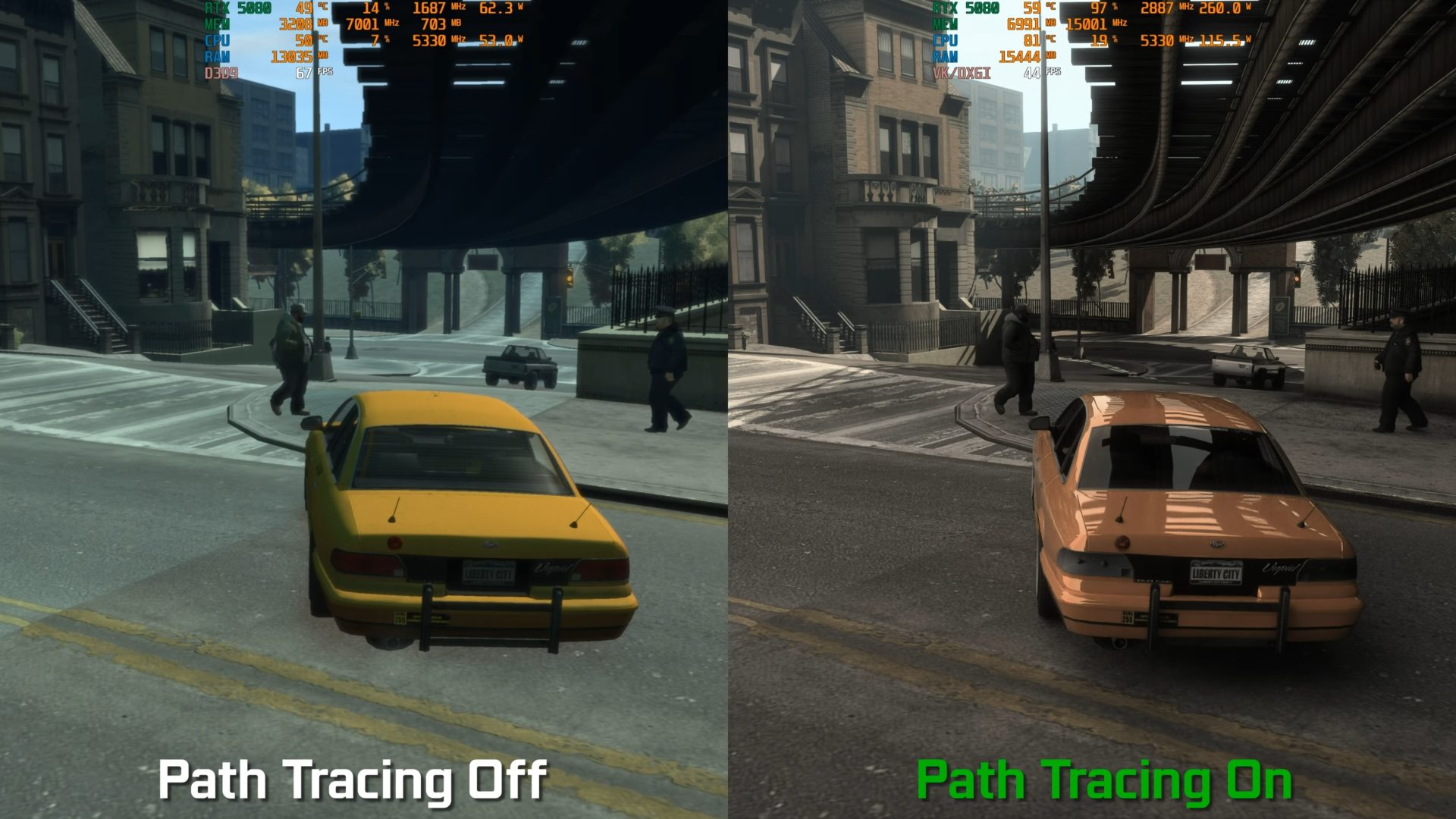
These updates support the mod’s main attraction: injected path tracing. The technique brings a dramatic jump in lighting accuracy, depth, and atmosphere, giving GTA IV a look closer to a modern PC release than a game from 2008. Side-by-side comparisons show richer reflections, softer shadows, and more realistic light bounce across Liberty City’s streets.
But as with any path tracing project, especially one built on top of an older game, performance is a clear challenge. Benchmark tests show that even NVIDIA’s powerful RTX 5080 struggles to maintain 60 frames per second without the help of DLSS Frame Generation. To ease performance issues, xoxor4d shared a few tips.
Players facing severe stuttering can launch the mod using the included processor affinity batch files, which split CPU cores between the game and Remix to reduce slowdowns. Path tracing settings can also be lowered in the RTX Remix graphics menu, accessed with Alt + X. For further gains, players can increase the Tree Alpha Cutout Value in the CompMod menu, though this will make foliage look rougher.
Standard GTA IV settings still matter as well. The modder recommends starting with moderate view distance and quality values, since pushing them too high can quickly hit CPU limits. The first launch after adjusting these settings may cause issues, but a second run should clear them up.
Code Geass: Lost Colors now has a complete fan-made English patch for PS2, including the platform-exclusive Blue Moon route.
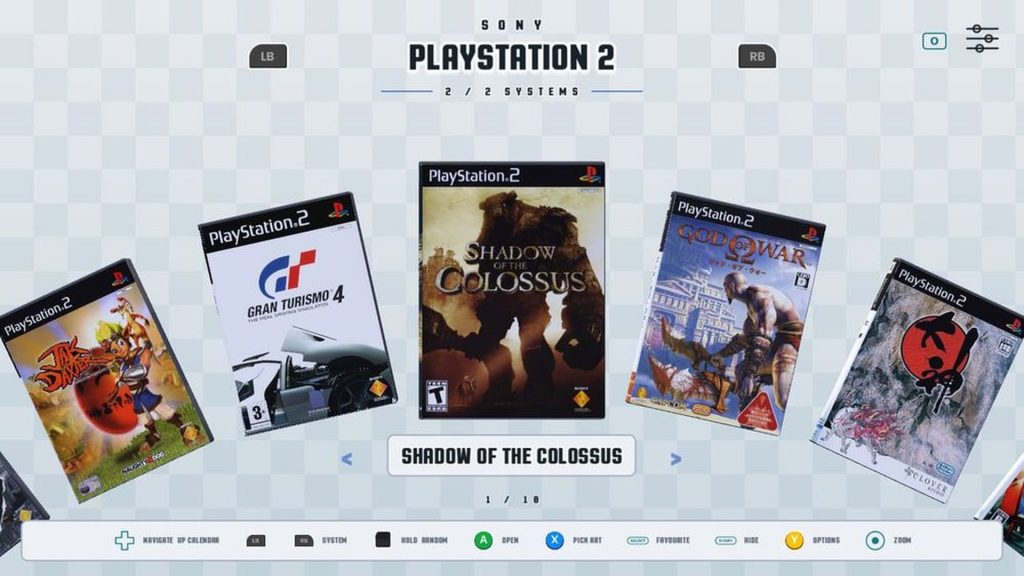
DigiBitPlay presents digital game libraries through interactive 3D boxes, discs, cartridges, consoles and scanned manuals.
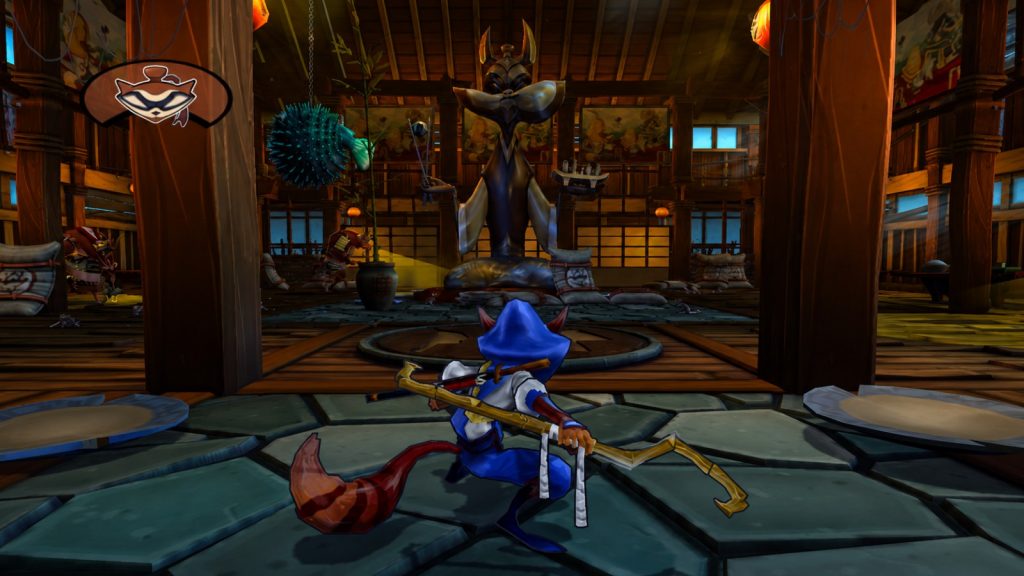
Project Cane shows new Sly Cooper PC footage, but the unofficial native port still needs menus, audio, saving, controls and…
Donkey Kong 64 now runs natively on Windows, Linux and macOS with widescreen, uncapped frame rates, modern controls and optional…
PCSX2 2.8.0 delivers major performance and graphics improvements alongside EyeToy support, interface upgrades and bundled FFmpeg.

Mr. Nutz and the previously unreleased Mega Drive sequel Hoppin' Mad are receiving new physical cartridges from Strictly Limited Games…
Sony will close the PlayStation 3 Store in July 2027, while RPCS3 fully supports 75% of the console's library, highlighting…

The Forever Project aims to make physical game releases more affordable for indie developers through a partnership between 33 Games…
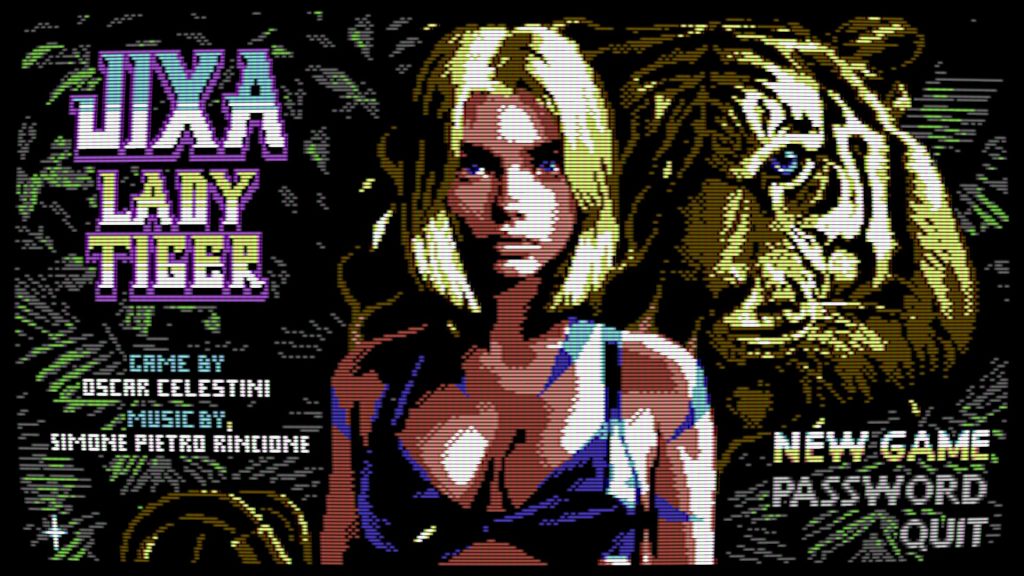
Indie developer Oscar Celestini is expanding his retro-inspired platformer with Jixa Lady Tiger Plus, an enhanced edition that significantly builds…
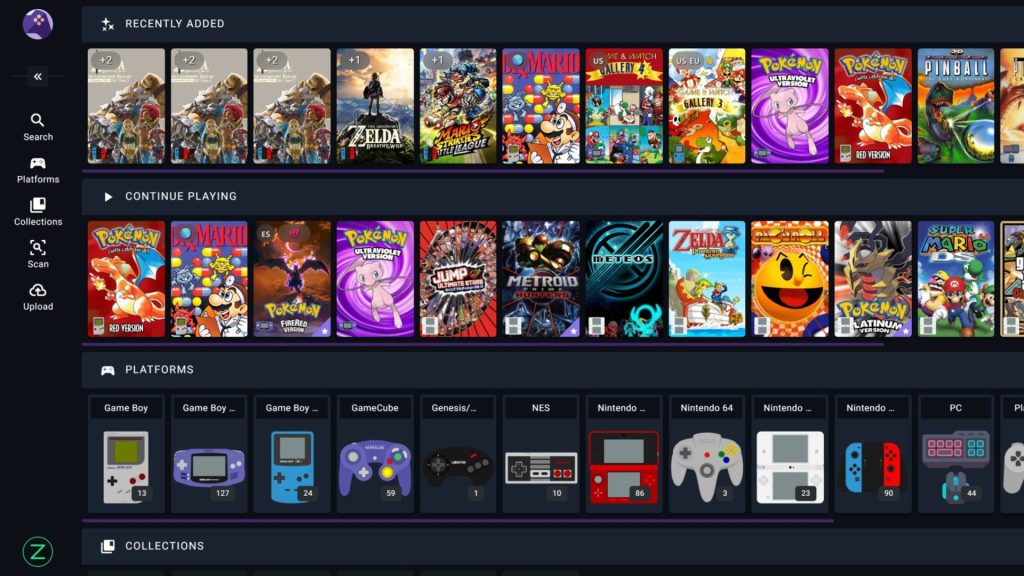
RomM is a free, open-source, self-hosted platform that organizes ROM libraries, fetches metadata, and supports browser-based emulation.
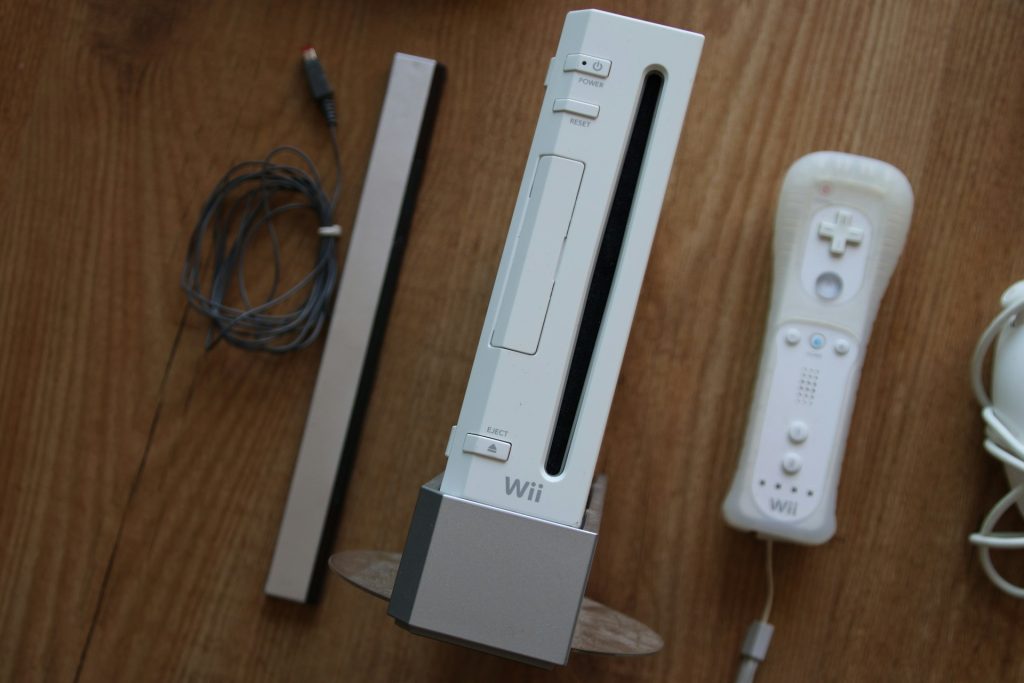
The developers behind Wii64 have released Beta 1.4, marking the Nintendo 64 emulator's first major update in more than five…
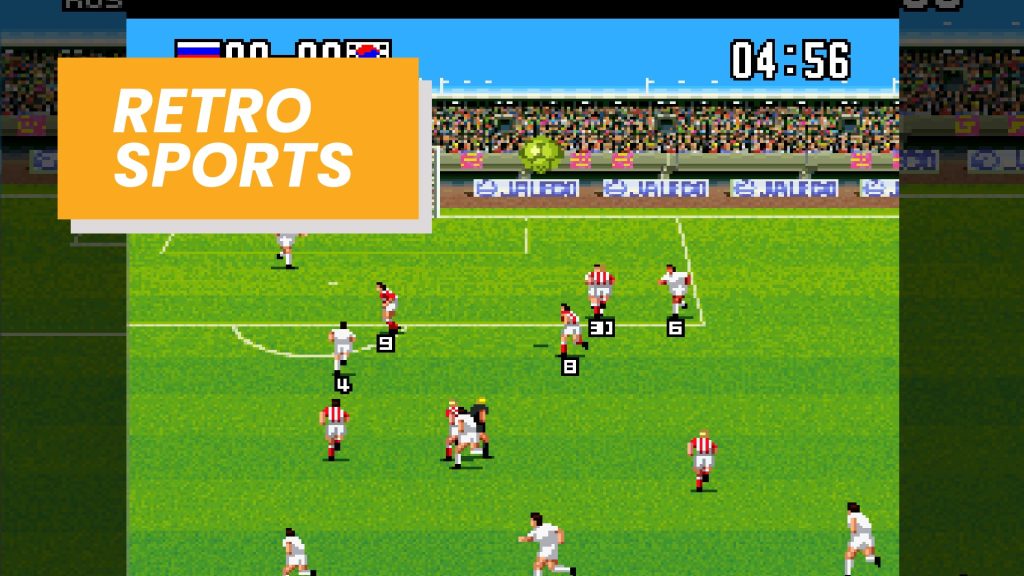
Rock It Games has brought Jaleco Sports: Bases Loaded II and Goal! Two to PC after successful Nintendo Switch and…
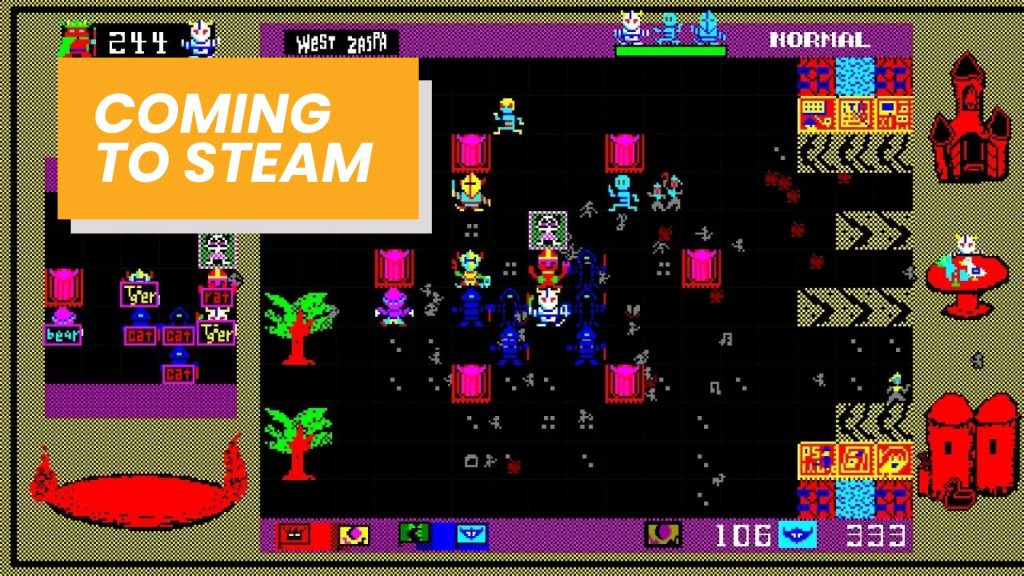
Developer Pygmy Studio has announced that Bokosuka Wars II will launch on PC via Steam in 2026, bringing the tactical…

An unofficial native PC port of Donkey Kong 64 is in development, bringing rare's Nintendo 64 classic to modern hardware…
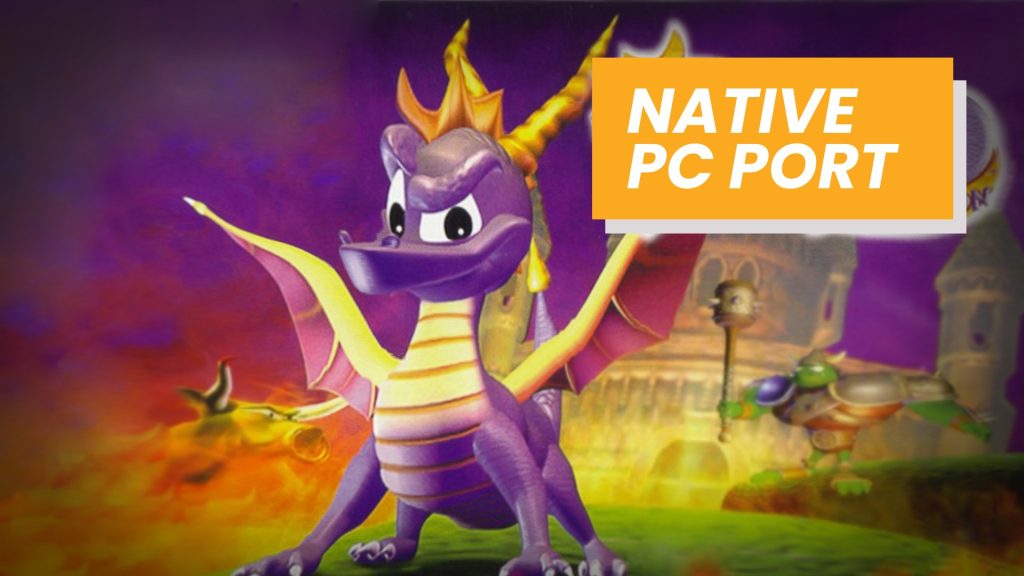
A fan-made native PC port of the original Spyro the Dragon is officially in development, bringing the 1998 PlayStation classic…
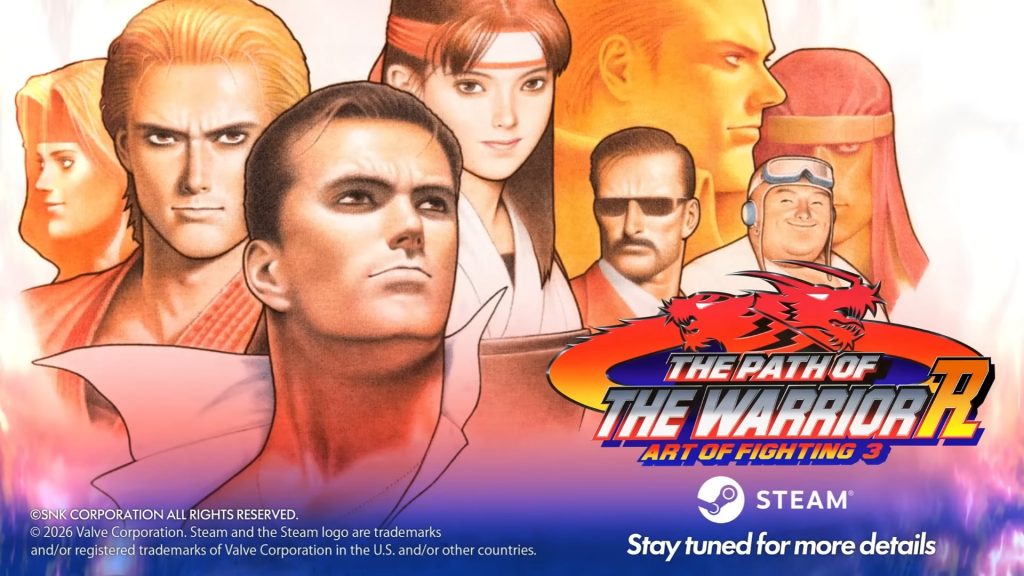
SNK has officially announced The Path of the Warrior: Art of Fighting 3 R, a modernized version of the 1996…
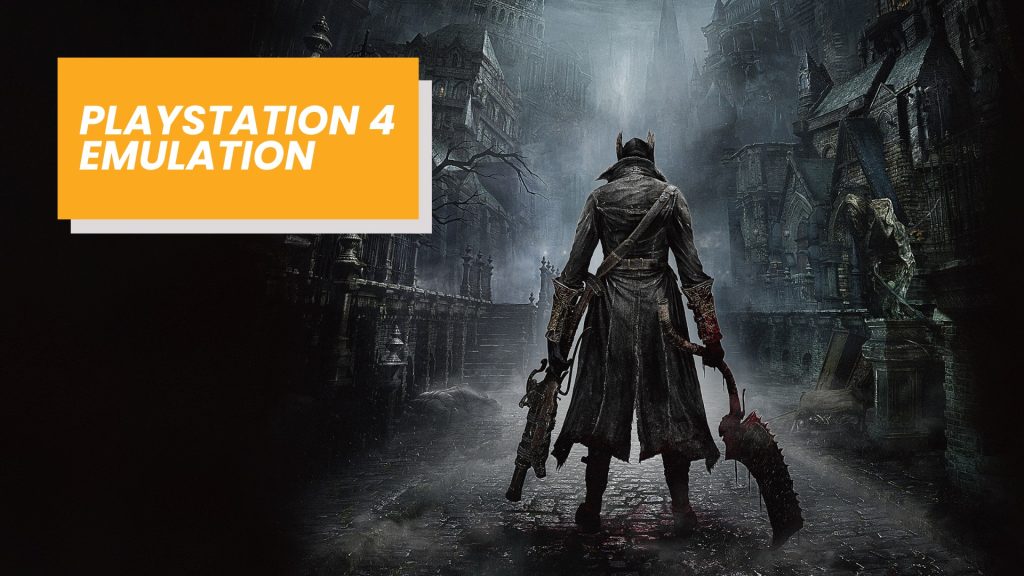
The developers behind ShadPS4 have introduced a major new feature that moves PlayStation 4 emulation closer to a complete experience.

DS & DSi Launcher brings the classic Nintendo DS and DSi interface to Android, giving retro fans a nostalgic way…
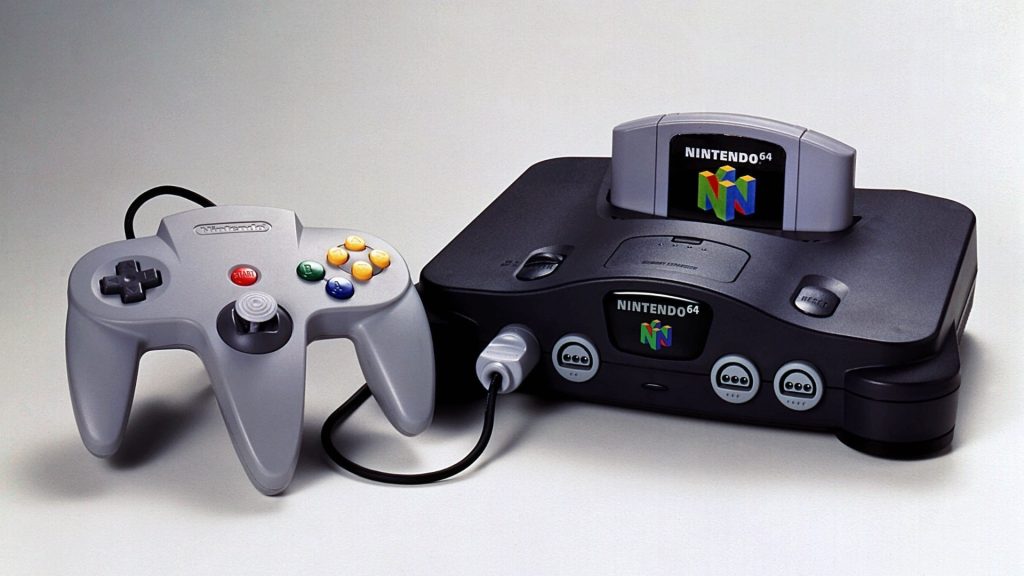
Today marks 30 years since the launch of the Nintendo 64 in Japan, and for many, that's enough to trigger…
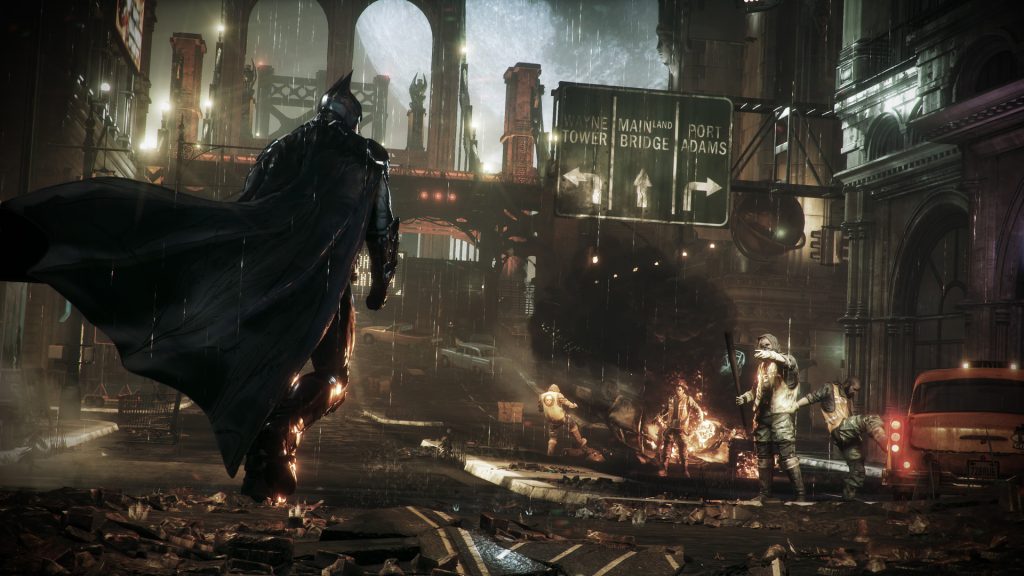
It's hard to believe, but Batman: Arkham Knight is officially 11 years old today. This title was Rocksteady's final chapter…
